The answer — one pick, priced
Get the
Kinesis Advantage360 Pro
no budget ceiling
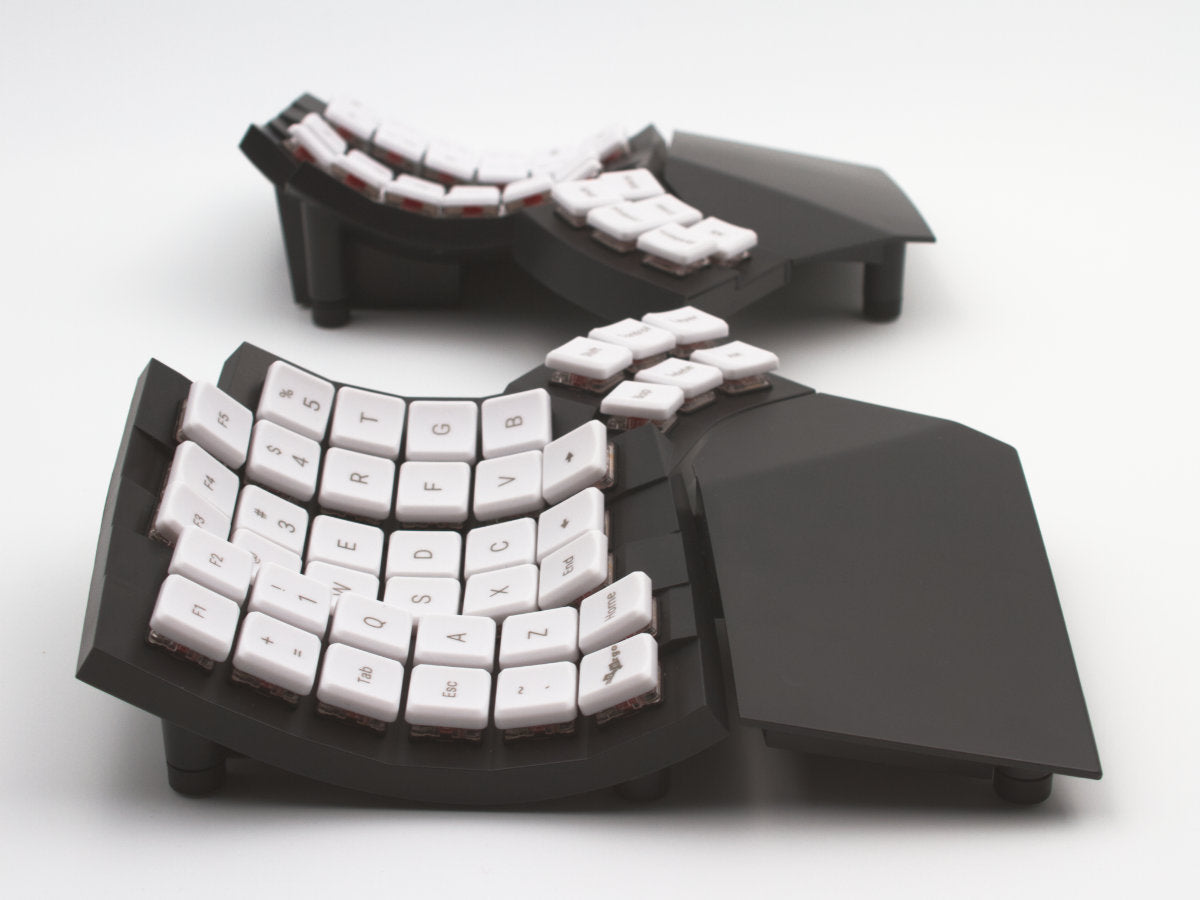
The category's gold standard for contoured ergonomics — concave keywells cut finger travel roughly 50% and tenting adjusts from 5 to 20 degrees.

Fit ledger — need → measured evidence
■ The catch — co-equal billing, always
You will type badly for weeks. Contoured columnar boards need 2-4 weeks of adaptation and typing speed typically drops 50-70% before it comes back — plenty of buyers quit inside that window and resell. At $479 that is an expensive way to discover the layout is not for you, so budget the retraining time before you budget the money.
Dealbreaker? Runner-up №3 gives most of the gain with no retraining ↓
■ Every product has a catch. Verdicts that hide it are how bad buys happen.
Don't buy this if…
- you want a standard (non-ergonomic) mechanical keyboard under $150mechanical keyboards under 150 dossier →
- you need a gaming-first keyboard with low latency and RGB — ergonomics is secondary
- you want a compact keyboard for travel without ergonomic requirements
Wrong product for you is still a bad buy. These are the cases where we'd send you somewhere else.
Runners-up — if your needs differ

Adjacent verdicts — other needs, same method
Different budget, different household, different job — each of these is already researched, priced and verified. Take the one that matches your need.
Traps — this verdict avoids
Why the Kinesis Advantage360 Pro is right for you
It avoids every trap below — and for just me, no budget cap, it is the pick because it delivers:
Weeks of bad typing
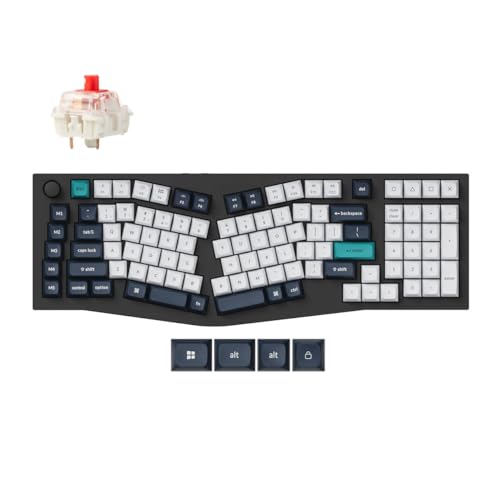
Columnar and contoured boards (Advantage360, Glove80, Defy, Voyager) need 1-4 weeks of adaptation, and typing speed typically drops 50-70% before it recovers. Alice and wave boards need essentially none. Pick the class you will actually stick with.
The headline price is a base build
Glove80, Defy, Voyager and the Keychron V8 Max sell direct only, priced per configuration — switches, keycaps, tenting kit, travel case and the Defy's +$90 wireless module are each separate line items. Any Amazon listing for one of these is a third-party reseller.
No keyboard is a treatment
Home Desk Lab cites research that ergonomic designs cut RSI risk by up to 60% — a population-level figure, not a promise for you. Desk height, monitor position and breaks matter as much, and persistent pain or numbness warrants a clinician, not a purchase.
Provenance — 9 sources, dated
Winners are picked from the full research dossier at knowledgelib.io. Prices, stock and listings are re-verified monthly.