The answer — one pick, priced
Get the
Wacom Cintiq 16
no budget ceiling
The professional standard for drawing on a screen across 11 sources — 2.5K, 12 ms latency, Pro Pen 3 in the box, and the driver stack nobody else matches.

Fit ledger — need → measured evidence
■ The catch — co-equal billing, always
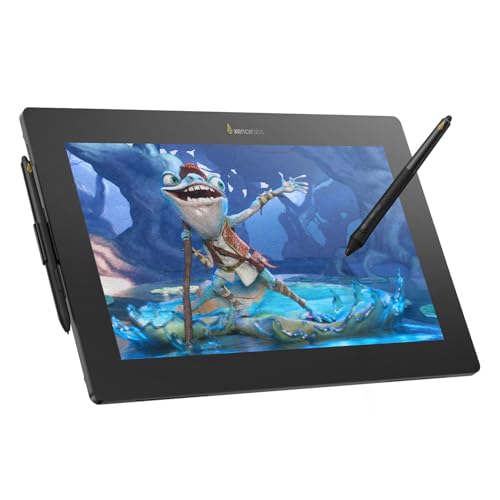
You are paying for drivers, not specs. At $650 the Cintiq ships 8,192 pressure levels on a 2.5K IPS panel, while a $459 Huion Kamvas 16 Gen 3 ships 16,384 levels on the same 2.5K class — the ~$190 premium buys Wacom's driver stack, pen feel and palm rejection, none of which appears on a spec sheet. And it is a screen, not a computer: budget a capable PC or Mac on top.
Dealbreaker? Runner-up №1 doubles the pressure levels for $191 less ↓
■ Every product has a catch. Verdicts that hide it are how bad buys happen.
Don't buy this if…
- you want a general-purpose tablet for browsing, media, and light productivity — not specifically for drawing or digital artbest tablets under 500 dossier →
- you specifically want an iPad recommendation and are not comparing across brandsbest ipads dossier →
- you want an Android tablet for general use, not specifically for drawingandroid tablets dossier →
- you want a tablet for kidstablets for kids dossier →
Wrong product for you is still a bad buy. These are the cases where we'd send you somewhere else.
Runners-up — if your needs differ


Adjacent verdicts — other needs, same method
Different budget, different household, different job — each of these is already researched, priced and verified. Take the one that matches your need.
Traps — this verdict avoids
Why the Wacom Cintiq 16 is right for you
It avoids every trap below — and for anyone, no budget cap, it is the pick because it delivers:
The tablet is not the setup
A pen display or pen tablet is a screen, not a computer — the Cintiq, Kamvas, Artist Pro, Xencelabs and Intuos all need a PC or Mac on top of the sticker price. And the stylus is only free on some: the Apple Pencil Pro is a separate $129, while Samsung's S Pen and Wacom's Pro Pen 3 come in the box.
Software is the other half
Procreate is iPad-only and a $12.99 one-time buy. Clip Studio Paint PRO is ~$63 perpetual and follows you across every hardware class. Photoshop is subscription-only at $22.99/month (~$276/year) — over three years that costs more than a Huion Kamvas 16 Gen 3. Krita is free, so the cheaper hardware can still be the dearer setup.
The bundle is the product
On pen displays the ASIN decides what arrives in the box — stand, glove-and-nib and artist-bundle listings run $40–150 apart, and Xencelabs charges $200 just for the carrying case ($999 Essentials kit vs $799 Lite, identical panel and pens). On standalone tablets, Renewed and Latin-America import listings rank high in Amazon search at different prices.
Provenance — 11 sources, dated
Winners are picked from the full research dossier at knowledgelib.io. Prices, stock and listings are re-verified monthly.