The answer — one pick, priced
Get the
ASUS ROG Swift PG32UCDM3
No budget ceiling
First 32-inch monitor with True Black 500 HDR and 1,000-nit peak brightness — one screen that wins both gaming and work, across 8 sources.
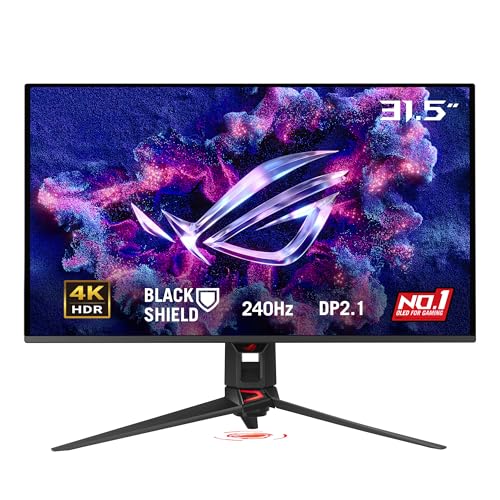
Fit ledger — need → measured evidence
■ The catch — co-equal billing, always
It costs $1,400. The MSI MPG 321URX matches its 4K, 240Hz QD-OLED panel and 90W USB-C for about $570 less — the ASUS premium only buys True Black 500, BlackShield film and the proximity sensor. And like every QD-OLED, it carries static-UI burn-in risk.
Dealbreaker? Runner-up №1 is the same panel for $570 less ↓
■ Every product has a catch. Verdicts that hide it are how bad buys happen.
Don't buy this if…
- you want a 27-inch or smaller 4K monitorgaming monitors 4k dossier →
- you want an ultrawide (21:9 or 32:9) monitor, not a standard 16:9 displayultrawide monitors gaming dossier →
- you want an OLED-specific buying guide across sizesOLED monitor verdict →
Wrong product for you is still a bad buy. These are the cases where we'd send you somewhere else.
Runners-up — if your needs differ

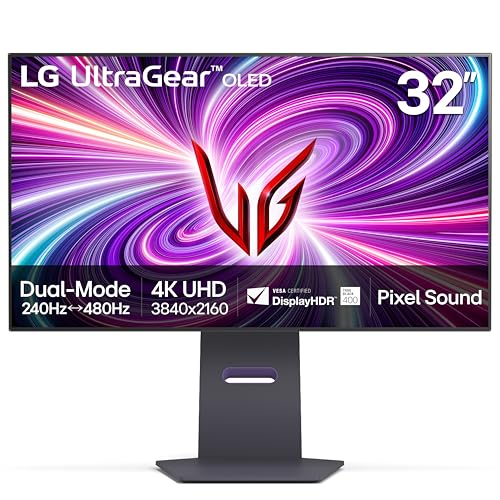

Adjacent verdicts — other needs, same method
Different budget, different household, different job — each of these is already researched, priced and verified. Take the one that matches your need.
Traps — this verdict avoids
Why the ASUS ROG Swift PG32UCDM3 is right for you
It avoids every trap below — and for anyone, no cap, it is the pick because it delivers:
The 32-inch 4K softness tax
Bigger at the same 4K means softer text. A 32-inch 4K panel packs only 140 PPI versus 163 PPI on a 27-inch 4K, so most people need Windows scaling at 125–150% to read comfortably — and some apps scale badly and go blurry.
OLED burn-in is a risk, not a certainty
Every 32-inch QD-OLED here carries static-UI burn-in risk from taskbars, docks and IDEs. Modern mitigation helps but is not a guarantee, and warranties typically cover only 3 years — a real cost if you display fixed elements 8+ hours a day.
4K 240Hz needs the right plumbing
Uncompressed 4K at 240Hz demands DisplayPort 2.1 or HDMI 2.1 with DSC and a high-end GPU (RTX 4080 / 5070 Ti class or better) with DLSS/FSR to hit the frames — older ports cap you at 4K 120Hz or 60Hz, so the panel outruns the rest of your setup.
Provenance — 8 sources, dated
Winners are picked from the full research dossier at knowledgelib.io. Prices, stock and listings are re-verified monthly.